Mexico eSIM and SIM Cards for Travelers: What to Buy
In this guide
- Your options at a glance
- Step one: check your home plan
- The new rule: line registration
- AT&T Go: the cheap local eSIM
- Telcel Tourist eSIM: pricier, with unlimited data
- Global travel eSIMs (Airalo, Holafly and similar)
- Physical SIM cards
- Check your phone first
- How to set it up, step by step
- Which should you choose?
The best option depends on how long you stay and how much data you use. First check whether your home plan already includes Mexico, since some US plans do. If not, a local eSIM from AT&T Go or Telcel gives you a Mexican connection you can install before you land. And whatever you buy, know the new rule: since January 2026, all mobile lines in Mexico must be registered in the user’s name, and for tourists that means your passport. This guide compares the options with October 2026 prices from the carriers’ own pages.
Prices and rules are as of October 2026 and change often. Verify at the provider’s page before you buy.
Your options at a glance
| Option | Typical cost | Best for | Catch |
|---|---|---|---|
| Home plan that includes Mexico | Free to about 6-12 USD/day, depending on carrier and plan | Short trips, keeping your number | Check your plan; daily passes add up |
| AT&T Go eSIM | 150-300 MXN (about 9-17 USD) for 6.5-20 GB, 30 days | Most visitors who want a cheap local plan | eSIM only; register the line; unlocked phone |
| Telcel Tourist eSIM | 949 MXN (20 days) or 1,549 MXN (30 days), unlimited | Heavy data use, travel to the US or Canada | Higher price; 512 kbps after fair-use cap |
| Travel eSIM from a global brand | Roughly 4-70 USD depending on size and reseller | Instant setup before you fly | Prices vary widely; ask about registration |
| Physical Mexican SIM | Third-party sources say about 50-500 MXN | Older phones without eSIM | Buy and register in person with your passport |
Step one: check your home plan
Before you buy anything, open your carrier’s international page. Verizon states that roaming in Mexico and Canada is included in its Unlimited plans, and that TravelPass costs $6 a day in Mexico and Canada for people on other plans. T-Mobile and AT&T sell international passes, and a third-party roundup from 2026 listed AT&T’s Day Pass at about $12 per day and T-Mobile’s pass at about $5 per day or $35 for 10 days. Those numbers change, so read your own carrier’s page. If your plan covers Mexico at no or low cost, you may not need a local SIM at all, and you keep your own number.
A flat daily charge adds up on a two-week trip, so run the math: $12 a day for 10 days is $120, far above a local eSIM. Do not forget that you still need a way to receive texts from your home bank. If that matters, keep your home SIM active and add a local data eSIM alongside it.
The new rule: line registration
Mexico introduced mandatory registration of mobile lines in 2026. According to Telcel, since January 9, 2026 every mobile line in Mexico must be registered under its user’s name, and that includes tourist eSIMs. AT&T Mexico says the same: new lines must be linked before they work, older lines had to be linked by June 30, 2026, and a line that is not registered can only call emergency numbers. Foreign visitors register with a valid passport. Infobae reports that Mexico’s telecom regulator accepts a passport when a visitor does not have a CURP, the national population ID number.
In practice, set aside time for the registration step right after you install the eSIM. Telcel’s flow asks for camera access, a photo of your passport and a liveness check, with up to three attempts. Do it as soon as you land, because Telcel’s plan clock starts when you install the eSIM, not when you register. Our entry requirements guide covers the other document you need at the airport.
AT&T Go: the cheap local eSIM
AT&T Mexico’s own page describes AT&T Go as an eSIM-only prepaid plan. As of October 2026 it listed three packages, each lasting 30 days:
- 6.5 GB for 150 MXN (about 8.60 USD)
- 10 GB for 200 MXN (about 11.40 USD)
- 20 GB for 300 MXN (about 17 USD)
Each package includes unlimited calls and texts in Mexico and the United States for the 30 days. The page says AT&T Go is available to visitors from the US and Canada, and you buy and manage it through the Mi AT&T app, starting from a QR code. By default you receive a Mexico City number, though you can choose another locality. The line must be linked (registered) before it works. Prices are in pesos, so your bank’s exchange rate and fees apply.
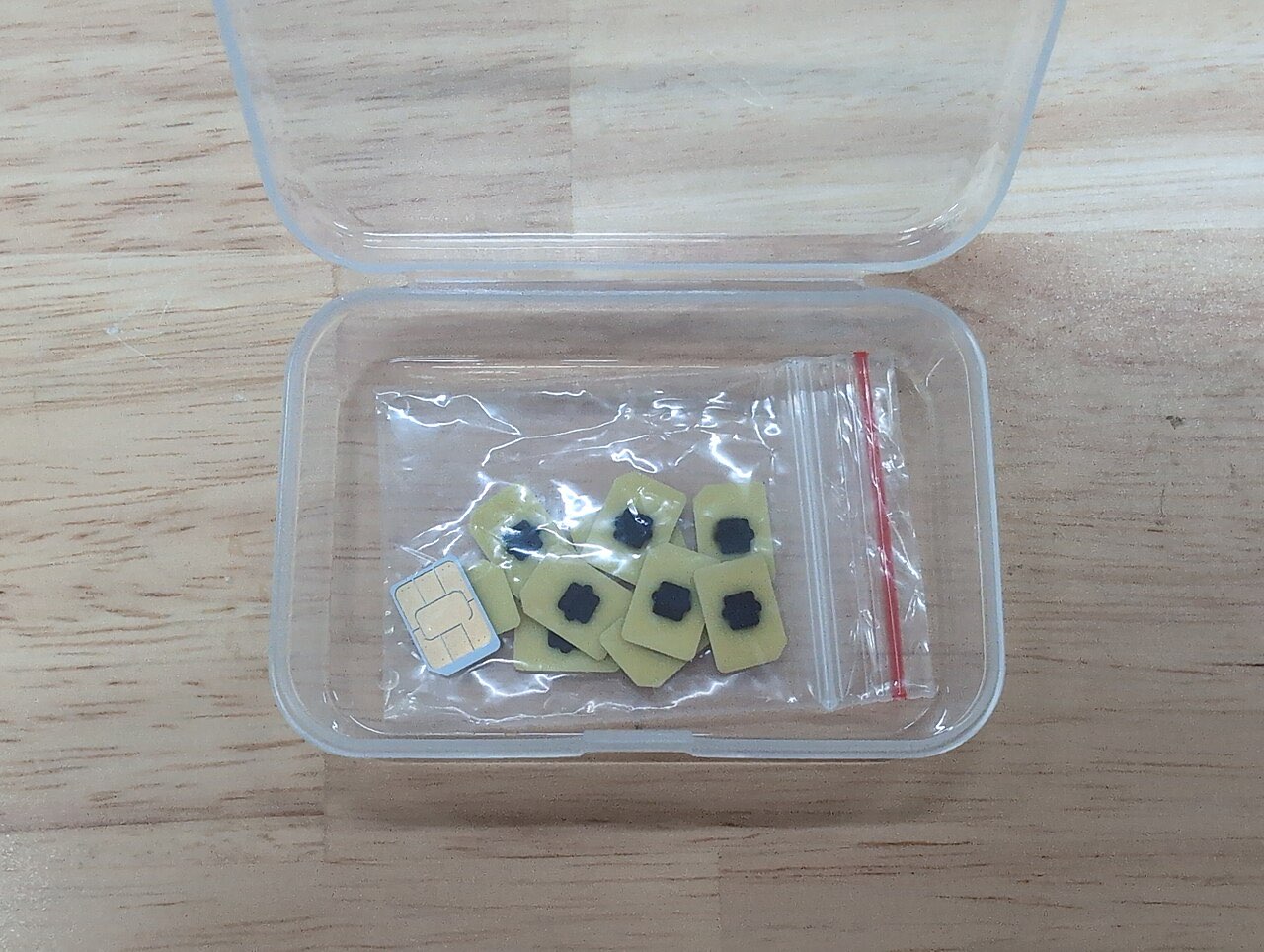
Who it suits: most visitors on a 1 to 4 week trip with moderate data use. What to watch: it is eSIM only, so your phone must support eSIM and be unlocked, and you need an internet connection (hotel Wi-Fi works) to buy it.
Telcel Tourist eSIM: pricier, with unlimited data
Telcel’s tourist eSIM page lists prepaid plans with prices that include 16% tax and a reference rate of 17.50 MXN per US dollar:
| Plan | Data | Validity | Price (MXN) | About (USD) |
|---|---|---|---|---|
| Tourist International 20 | Unlimited | 20 days | 949 | 54 |
| Tourist International 30 | Unlimited | 30 days | 1,549 | 89 |
| Tourist International 30 LATAM | 100 GB | 30 days | 1,879 | 107 |
The 20-day and 30-day plans work in Mexico, the United States and Canada, so they suit a road trip that crosses the border. The LATAM plan adds a list of Latin American countries. “Unlimited” comes with a fair-use policy: if you hit the threshold before the plan ends, Telcel says your speed drops to a maximum of 512 kbps for the rest of the period, which is enough for messaging and maps but not video. Telcel says you can buy a new plan to restore full speed.
Some practical Telcel rules from its terms:
- You buy a prepaid line and have up to one year to install it, and the plan clock starts at installation. Do not install it at home.
- Install over Wi-Fi, and scan the QR code from your phone’s Settings screen rather than the Camera app.
- You get up to two more attempts to reinstall on the same device, so do not delete the eSIM casually.
- The line itself is valid for 90 days from activation.
- Refunds within 10 days apply only if the plan is unused.
Global travel eSIMs (Airalo, Holafly and similar)
Several companies sell Mexico data eSIMs that you can buy and install from home. They are convenient, because you land with data already working. Examples from their own pages: eSIM4Travel listed a 1 GB plan for 7 days at about US$4.28 and a 5 GB plan for 30 days at about US$17.76, while a 2026 review quoted Airalo at roughly US$17 to $30 for 20 GB. Prices vary a lot between resellers and size, so compare the cost per gigabyte. The trade-offs are that they are data-focused, often have no local number, and cost more per gigabyte than AT&T Go. We could not confirm whether these roaming-style eSIMs fall under Mexico’s line-registration rule, so ask the provider before you rely on one. For a short trip, they are a reasonable way to land connected.
Physical SIM cards
You can still buy a physical SIM from Mexican carriers such as Telcel, AT&T and Movistar. Third-party sources put the price at roughly 50 to 500 MXN depending on the data allowance. Because of the registration rule, plan to buy at a carrier store or authorized dealer where staff can help you register with your passport. We did not verify airport kiosk prices, so treat any kiosk quote as a data point to compare with the carriers’ own pages. A SIM suits older phones that do not support eSIM.
Check your phone first
Before buying anything, confirm two things:
- eSIM support. Dial *#06# on your phone. If an EID number appears, the phone supports eSIM, according to Telcel. On an iPhone you can also look for “Add eSIM” under Settings, Cellular.
- Unlocked. If your phone came from a carrier, it may be locked. On an iPhone, check Settings, General, About, Carrier Lock. Call your carrier if it says anything other than no SIM restrictions.
How to set it up, step by step
- Buy the plan while you have Wi-Fi, ideally the day before or at the airport. For Telcel and most others, wait to install until you arrive, since the plan clock may start at installation.
- Install the eSIM from your email link or QR code, over Wi-Fi.
- Set the new eSIM as your cellular data line and turn off data on your home line to avoid roaming charges.
- If you are only visiting Mexico, you usually do not need to turn on data roaming for the Mexican line. If you go on to the US or Canada on a Telcel plan, Telcel says to enable it.
- Register the line with your passport, then restart the phone if service does not appear.
- Keep WhatsApp on your usual number. Telcel confirms it keeps working with your main number.
Coverage is generally good in cities and tourist towns, according to Mexico’s tourism board, but check an operator’s coverage map if you plan to be in remote areas. Download offline maps before long drives, and see our driving guide for more. For a trip that lands in Mexico City, our airport-to-city guide explains why having data when you land helps with ride-hailing apps, and our money guide covers paying for plans in pesos without extra fees.
Which should you choose?
- One to two weeks, moderate data: AT&T Go, for the lowest price.
- Driving into the US or Canada, or you stream a lot: Telcel’s unlimited tourist plan.
- You want to land with working data and do not mind paying more: a global travel eSIM, after asking about registration.
- Your home plan includes Mexico: use it, and add a local eSIM only if you need a Mexican number.
Pack a charger and a power bank too, and see our Mexico packing list for the rest.
Frequently asked questions
Do I need to register a Mexican SIM or eSIM as a tourist?
Yes, for Mexican lines. Telcel says that since January 9, 2026, all mobile lines in Mexico must be registered under the user's name, including tourist eSIMs, and a passport is accepted as ID. AT&T Mexico says new lines must be linked before they work, and unregistered lines can only make emergency calls. Whether foreign travel eSIMs are covered is unclear, so ask the seller.
Which is cheaper in Mexico, Telcel or AT&T Go?
AT&T Go is much cheaper on paper. As of October 2026 its eSIM plans were 6.5 GB for 150 MXN, 10 GB for 200 MXN and 20 GB for 300 MXN, each lasting 30 days. Telcel's tourist eSIM costs 949 MXN for 20 days or 1,549 MXN for 30 days with unlimited data, but throttles to 512 kbps after a fair-use threshold.
Will my US phone plan work in Mexico?
It might, at no extra cost. Verizon states that roaming in Mexico and Canada is included in its Unlimited plans, and charges $6 per day on other plans via TravelPass. T-Mobile and AT&T sell passes, and rules and prices change, so check your own plan before you pay for a separate eSIM.
Can I use WhatsApp with my normal number on a Mexican eSIM?
Yes. Keep your home SIM or eSIM installed but switched to not use data, and WhatsApp will keep using your usual number over the Mexican data connection. Telcel's own FAQ confirms that WhatsApp and other apps keep working with your main number without extra setup.
Does my phone need to be unlocked to use a Mexican eSIM?
Yes. Telcel states that your device must be unlocked for use with other carriers and be eSIM-compatible. On an iPhone you can check Settings, General, About, then Carrier Lock; dialing *#06# shows an EID number if the phone supports eSIM.
Keep planning
- Best Time to Visit Mexico: Regions, Seasons, and Hurricanes
Best time to visit Mexico by region: the dry season (November-April) suits most trips; learn the hurricane dates for the Caribbean and Pacific coasts.
Updated Oct 2026 - Is Mexico Safe for Tourists? An Honest Regional Breakdown
A non-alarmist look at safety in Mexico — how risk varies by region, what US advisories actually mean, taxi and ATM precautions, and the scams to know.
Updated Oct 2026 - Mexico City Airport (AICM) to the City: Metro, Metrobús, Uber, Taxi
How to get from Mexico City airport (AICM) to the center: Metrobús Line 4 for 30 MXN, Metro, Uber or DiDi, authorized taxis, plus the AIFA train and traffic tips.
Updated Oct 2026